How Do We Connect Business Systems That Don't Share Data Properly?
Business systems do not always need replacing. When their data, rules and exchange points are defined clearly, integration can remove repeated work and reduce errors.
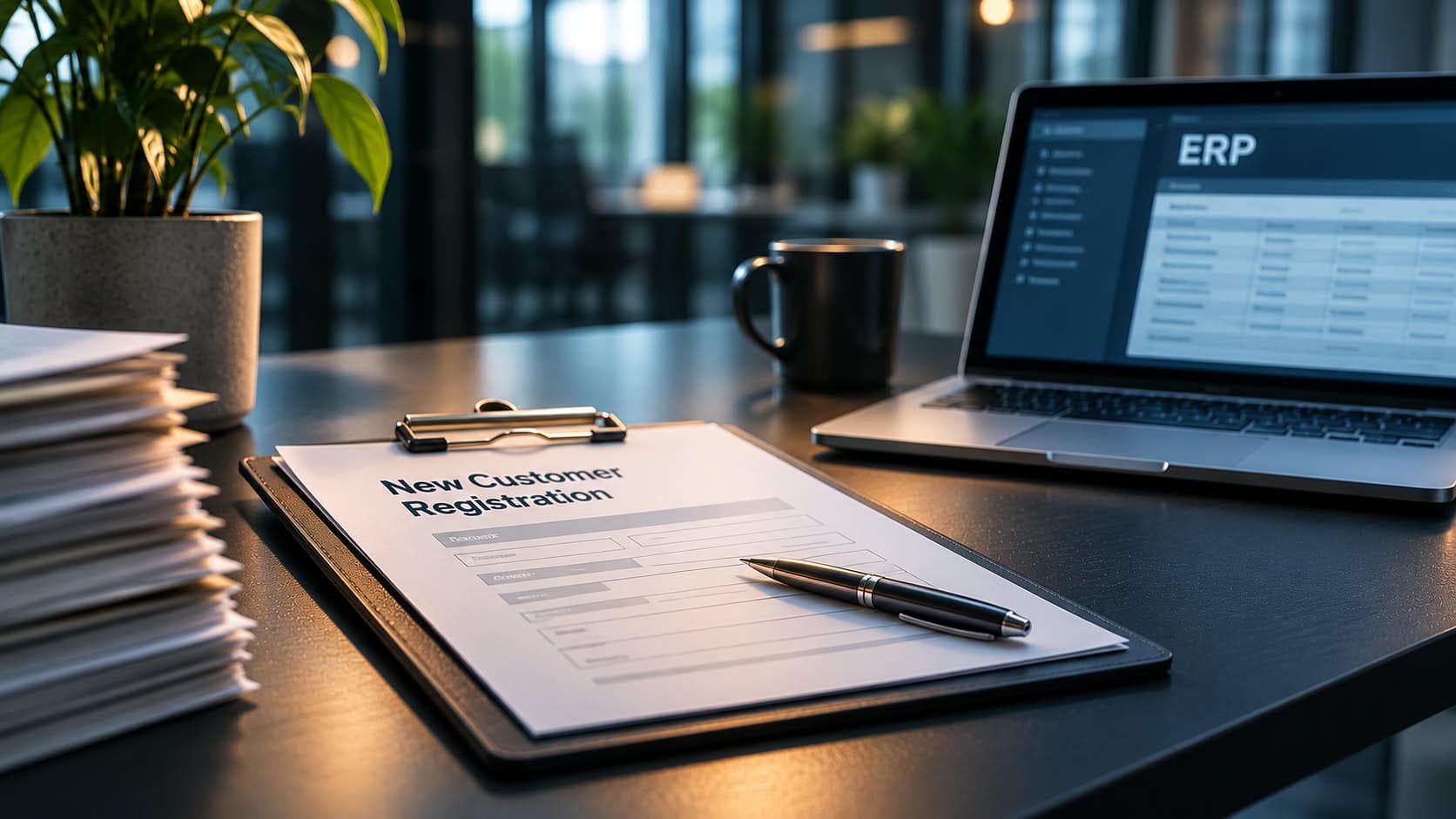
Registering a new customer used to take two days on average from the start of the registration process to manager approval. Now it takes four hours.
Before, a salesperson looked up the company in public registers, entered its details into an Excel sheet and emailed it to a manager. The manager reviewed the information and approved it before it was passed to accounting, where someone entered the same details into the ERP system again.
The ERP remained the system of record. What changed was how information reached it.
In many companies, people become the connection between business systems. CRM, ERP, warehouse and accounting systems each hold part of the picture. Employees fill the gaps by copying data, searching across different systems and checking information that has already been entered elsewhere.
Why do business systems end up working separately?
There are two common reasons.
The systems use different data formats
One system may store a customer as a single record, while another keeps separate records for each delivery address. One system may count individual items, another packs. A person can interpret these differences when looking at two screens. A system needs those rules to be defined before it can exchange the data correctly.
The systems are not connected
An interface between them may never have been built. As a result, a person becomes the link: re-entering an order, exporting a report or sending a status update by email.
Connecting systems requires more than making one system communicate with another. The data, its format and the moment it needs to move must also be defined.
What needs to be decided before connecting systems?
Three questions provide the starting point:
- Which systems need to exchange information?
- Which data needs to be transferred?
- At what point in the business process should the exchange happen?
In the customer registration project, the answers were specific.
Systems: official company registers, the sales platform and the ERP.
Data: legal name, registration and VAT numbers, and registered address from official registers; delivery addresses, contact details and phone numbers from the salesperson; customer category from accounting.
Timing: when the manager approves the registration.
The third question is particularly important. It defines the event that triggers the data exchange. Instead of someone forwarding a spreadsheet, the manager's approval triggers the transfer to the ERP.
This is where Corellize comes in
Corellize analyses the existing process, identifies which systems need to exchange information, defines the data and conditions for the exchange, and builds the integration. The goal is to make information move between existing systems according to clearly defined business rules, with the necessary checks along the way.
What does connecting systems look like in practice?
For a Baltic B2B wholesaler, Corellize built a platform for the sales team on top of the company's existing ERP.
The salesperson enters the company name, and the platform retrieves and verifies the company's information against official business registers in Latvia, Lithuania and Estonia, as well as relevant EU registers when needed. This includes checking the company's legal name, registration number, VAT number and registered address.
The platform also checks required fields and validates other details, such as phone number formats, while the salesperson enters the information. This helps identify missing, inconsistent or incorrectly formatted data before it reaches the ERP.
The salesperson adds the information that public registers cannot provide. If the registration is not finished, it can be saved as a draft and continued later.
When the manager approves the registration in the same platform, the data is automatically sent to the ERP. The ERP then returns the customer and address reference numbers to the original registration.
The accountant no longer needs to re-enter the customer details. However, decisions that require business or legal judgement remain with people: checking the company's legal status, identifying any restrictions on trading with it, and assigning the customer category.
The integration also includes checks to prevent duplicate records. Before creating a customer, the platform checks whether the company already exists. It checks again at the moment of writing, in case another process has created the record in the meantime.
A unique request identifier also makes retries safer. If a connection drops and the same request needs to be sent again, the system can recognise it rather than creating the customer twice.
The ERP remains the system of record throughout the process. The new platform manages the registration workflow and the exchange of information without replacing the system the company already uses for its core records.
The same approach can connect other business processes
Consider an order moving through a company.
A salesperson enters it in the CRM. Before the order reaches the ERP, the integration checks details such as the delivery address, item, unit and price against the relevant rules. The ERP then passes the order to the warehouse.
Once the warehouse ships the order, its status is sent back to the CRM, where the account manager can see the update.
Each status comes from the system responsible for it. The CRM does not assume that an order has shipped simply because it was entered or approved. It receives that information from the warehouse process.
This is how an integration connects separate systems into a process in which information is transferred at the right time and comes from the appropriate source.
What does the company gain?
The customer registration project illustrates several practical improvements:
- Less repeated data entry. Information from official registers and the sales platform reaches the ERP without someone entering the same details again.
- More reliable customer data. Company details are retrieved and checked against official registers, while required fields and data formats are validated before information reaches the ERP.
- Better control over duplicate records. Checks before and during record creation help prevent the same customer from being registered twice.
- Clearer process status. Each registration has a visible status, such as saved, submitted, waiting for approval, sent to the ERP or completed.
- Faster registration approval. The time from the start of registration to manager approval has decreased from an average of two days to four hours.
To understand the impact in your own organisation, measure three things before connecting systems: the share of data fields entered manually, the number of duplicate records and failed integration requests, and the time from the first request until the customer is ready for sales.
These figures help identify where manual work and delays occur, and whether the integration has improved the process.
So, how do we connect business systems that don't share data properly?
Start by identifying which systems need to exchange information, what data they need to share and when the exchange should happen.
Then build the connection around the business process and the systems already in use.
A company does not always need to replace its existing software to improve how it works. Often, connecting the systems properly is enough to remove repeated work, reduce errors and give people the information they need at the right point in the process.
A useful first step is to ask the person who copies information between two screens every day what they check before moving it. That list can become the starting point for designing the integration.
Related posts
How Much Does It Cost When No One Owns a Business Process?
The cost of an ownerless business process rarely appears in one budget line. It accumulates through waiting, manual hand-offs, repeated work and problems noticed too late.
Read moreCan Sustainability Reporting Be Trusted If the Data Isn't?
Sustainability figures are only as credible as the evidence behind them. A traceable path from the original record to the published report makes changes explainable and reviewable.
Read moreReady to automate your sales process?
Let's map your workflow and identify where automation creates the fastest measurable impact.
Book a Call